Content Types
Every role can browse the types; a Builder or above creates and changes them.
These are the workspace's own content types, not the content types of a Brightspot CMS you have connected. A Content node or Script step given a Brightspot connection reads that CMS's types over the connection; see Brightspot CMS.
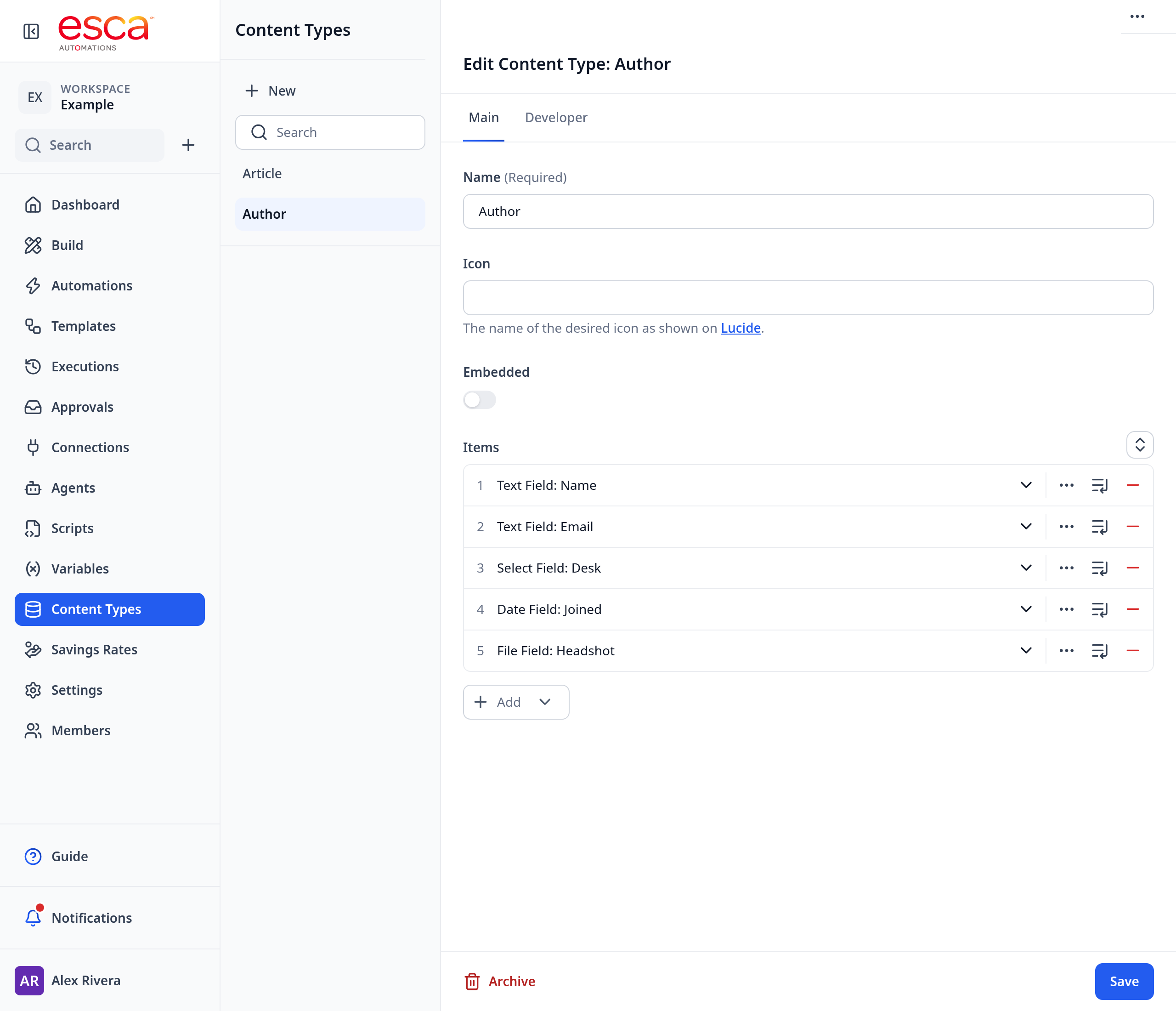
A content type is a named set of fields, such as an article summary, a translation request or a product record, defined once here and then picked by name wherever a node needs to describe the shape of some data.
Why the page exists
Some nodes need to be told the shape of data, not just its value:
- A trigger's Payload describes the input a run starts with. An On Demand trigger shows the type's fields as the run form for whoever starts the run; a Schedule trigger delivers a fixed value of the type with every run. See On Demand.
- An AI step's Payload Type is the structure the agent fills in as data alongside its written answer. See AI Agent.
A type defined here appears in those pickers beside the types the platform already knows.
The workspace's own records are built from these types too. A record is a saved item of one of these types, kept in the workspace itself, with no publish step or editorial workflow. With no connection chosen, the Content trigger and the Content Edit, Content Query and Content Fetch actions work on those records, and a Script step builds and edits them by name through dari, Brightspot's data layer; see Content API.
The layout
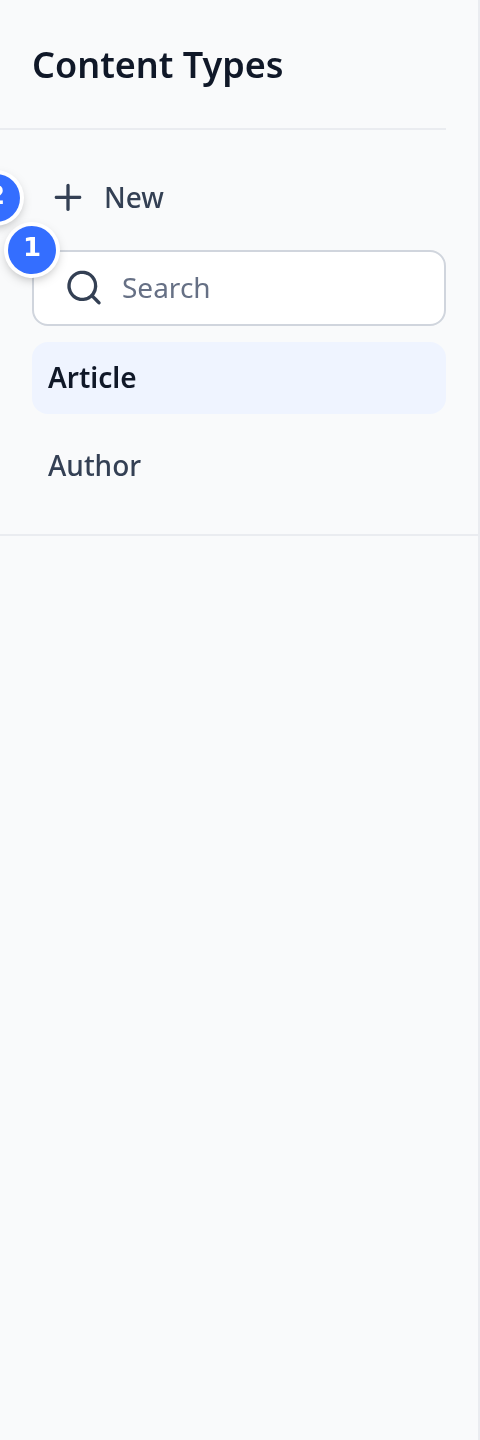
- Search: types whose name contains what you type.
- New: opens an empty content type form.
Defining a type
The form asks for a name and a list of fields. Each field has a name and a kind, and can be marked required or repeatable; fields can be grouped into tabs and rows so a long type stays readable. The field list is the shape: what a person sees when they fill the type in, and what an agent is asked to produce.
| Field kind | Use it for |
|---|---|
| Text, Rich Text | A headline, a summary, a body. |
| Number, Boolean, Date | A count, a yes or no, a deadline. |
| Select | One choice from a list you define. |
| Reference | A link to a record of another type defined here. |
| File | An uploaded file. |
| Embedded | A nested set of fields. |
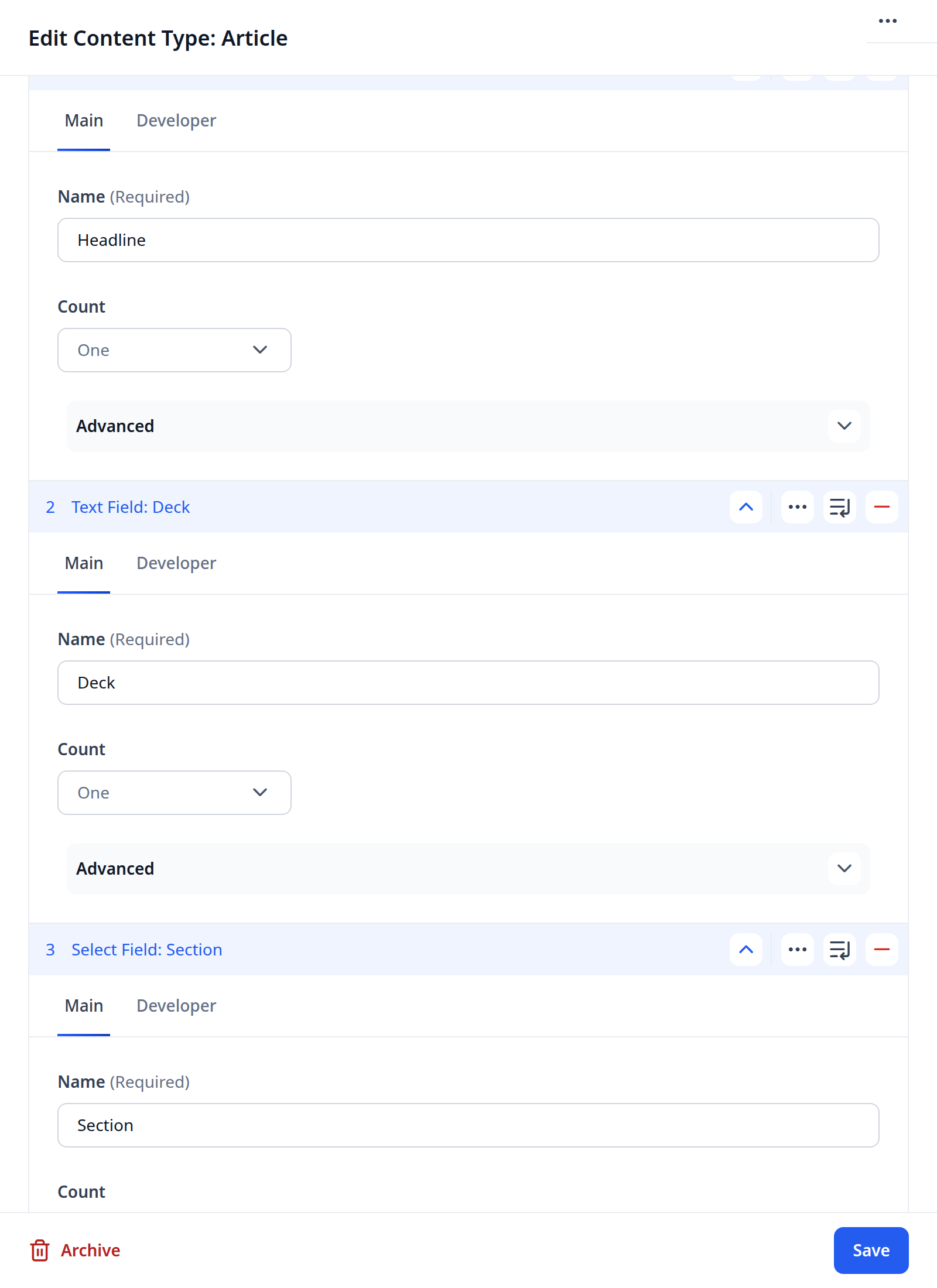
The form also offers an icon for the type and a Developer tab with identifiers a developer may need; neither is required. A type that already does most of what you want can be copied rather than rebuilt.
Changing a type changes it everywhere it is used. Renaming or removing a field that a trigger, AI step or script relies on leaves it describing a shape that no longer exists, so check what uses a type before reworking it.
Related
- Triggers: how a trigger's payload reaches the rest of a run.
- Brightspot CMS: the nodes that work with a connected CMS's own content model.