Variables
Every role sees the names; a Builder or above creates and changes them, and nobody sees a secret's value.
Named values every automation can reference: a variable for ordinary text, a secret for anything sensitive. Define a value here once, reference it by name from any field that accepts variables, and change it in one place when it changes. For how references work inside an automation, see Variables and secrets.
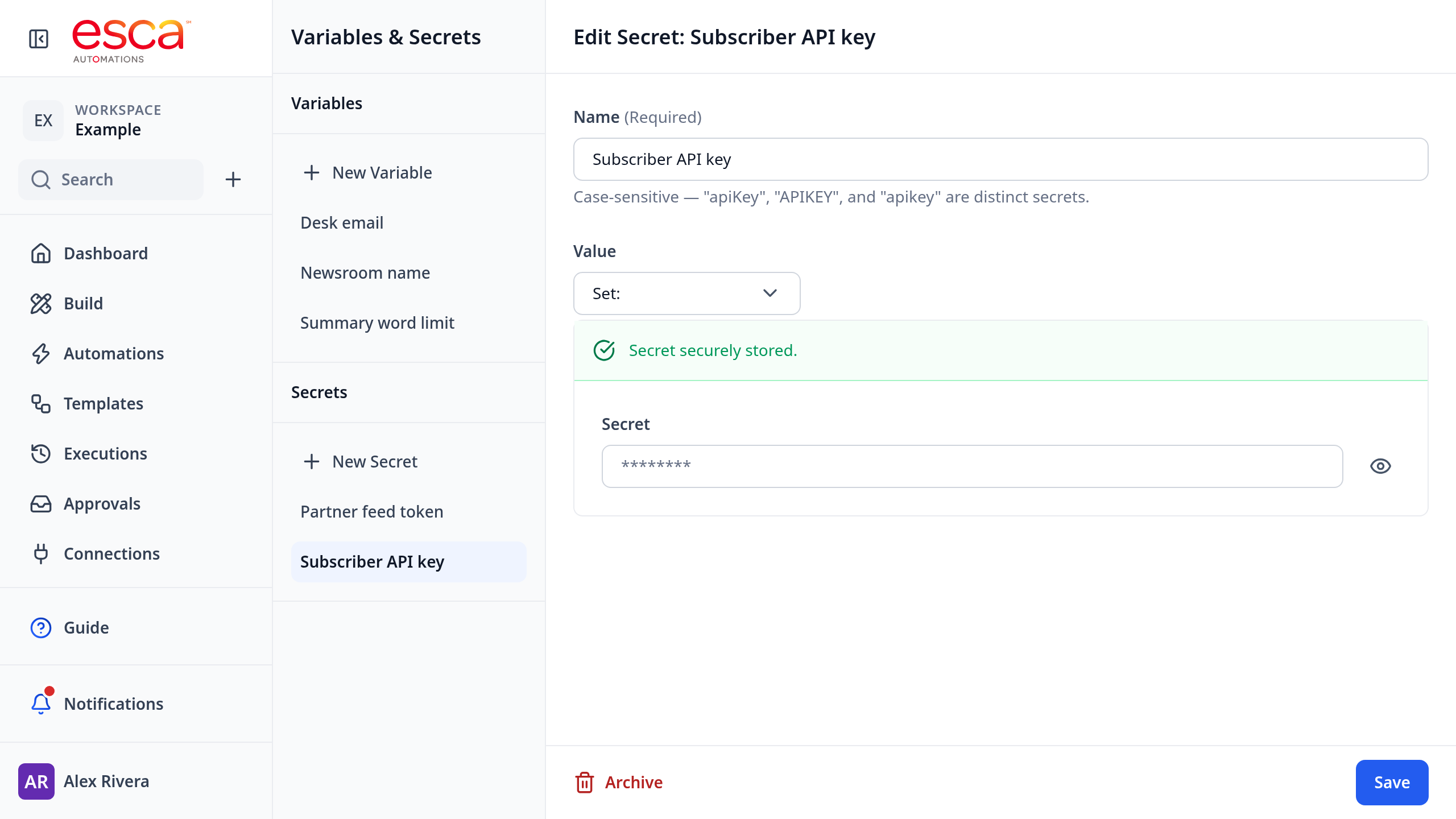
The left rail holds two lists, Variables and Secrets, each alphabetical and each with its own create link, New Variable and New Secret. Selecting an entry opens its form on the right.
The fields
A variable and a secret each ask for two things:
- Name: how fields refer to it. Names are case-sensitive, and a variable and a secret may share one.
- Value: the text itself. A secret's value is encrypted when stored and redacted from logs and step output.
The Variable reference describes both.
Store credentials, tokens and anything else sensitive as secrets, never as variables. Only a secret's value is encrypted and redacted.
A secret's value must be at least four characters, since a shorter one cannot be reliably recognized and hidden in run output. A secret with no value saves, for naming things ahead of having the credential or filling in an imported automation, but fields referencing it do not resolve until a value is entered, and the form says so.
Where these values can be referenced
Everything defined here is available to every automation, through the Add Variable button, (x), beside any field that accepts variables. A reference resolves when the step runs, so editing a value here changes what every automation sees on its next run.
An automation can also define variables and secrets of its own, from its settings pane in the flow editor. Those are visible only to that automation, and one that shares a name with a value defined here wins inside that automation. See Scope and precedence.
Related
- Variables and secrets: inserting references into fields, what is in scope where, and automation-scoped values.
- Connections: the place for credentials that sign in to a whole system, rather than a single value.