Variables and secrets
Wherever a field shows the variable picker, you can insert a value instead of typing a fixed one. Two kinds of value are on offer: data from earlier in the run, such as the content that started it or an earlier step's output, and named variables and secrets you define once and reuse across automations. A secret is a variable for sensitive values such as API keys and passwords: its value is encrypted and hidden from run logs.
Using data in a field
Fields that accept variables are ordinary text boxes with two extra controls.
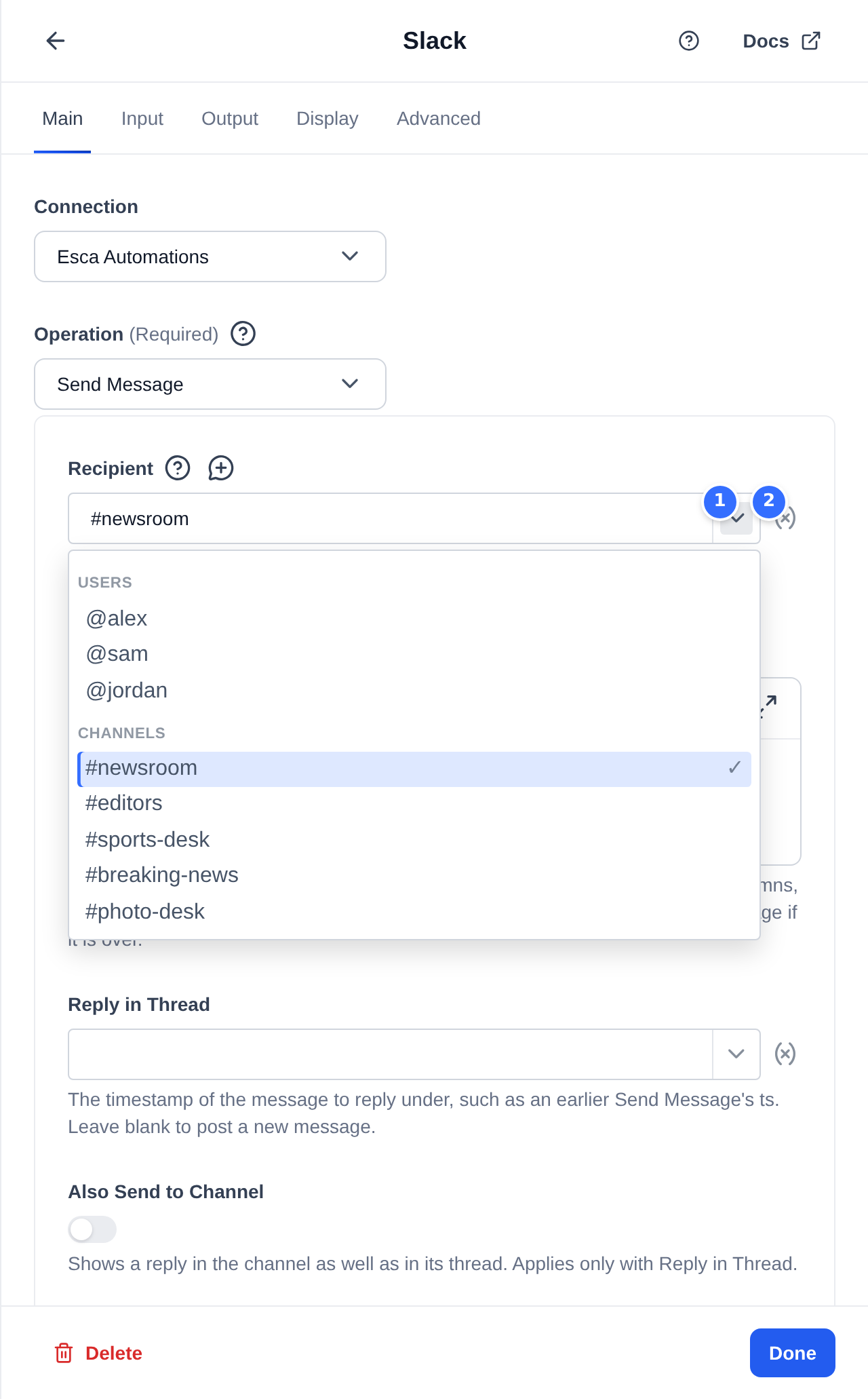
- Choices: the arrow at the end of the box lists the field's own choices, such as a Slack step's channels and people.
- Add Variable: the (x) button beside the box opens the variable picker.
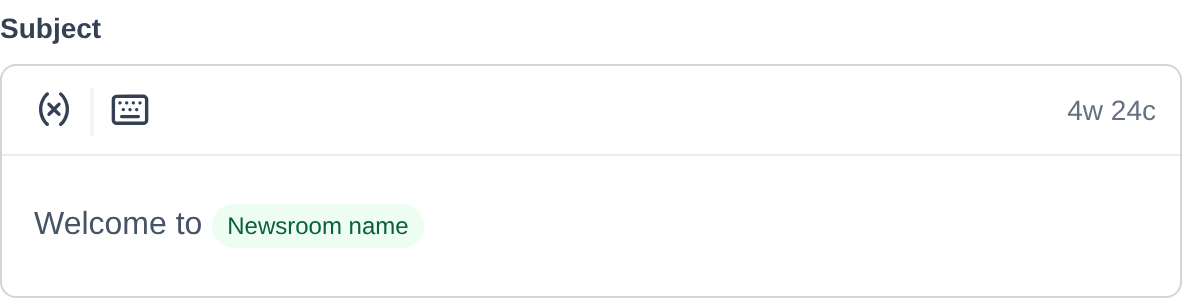
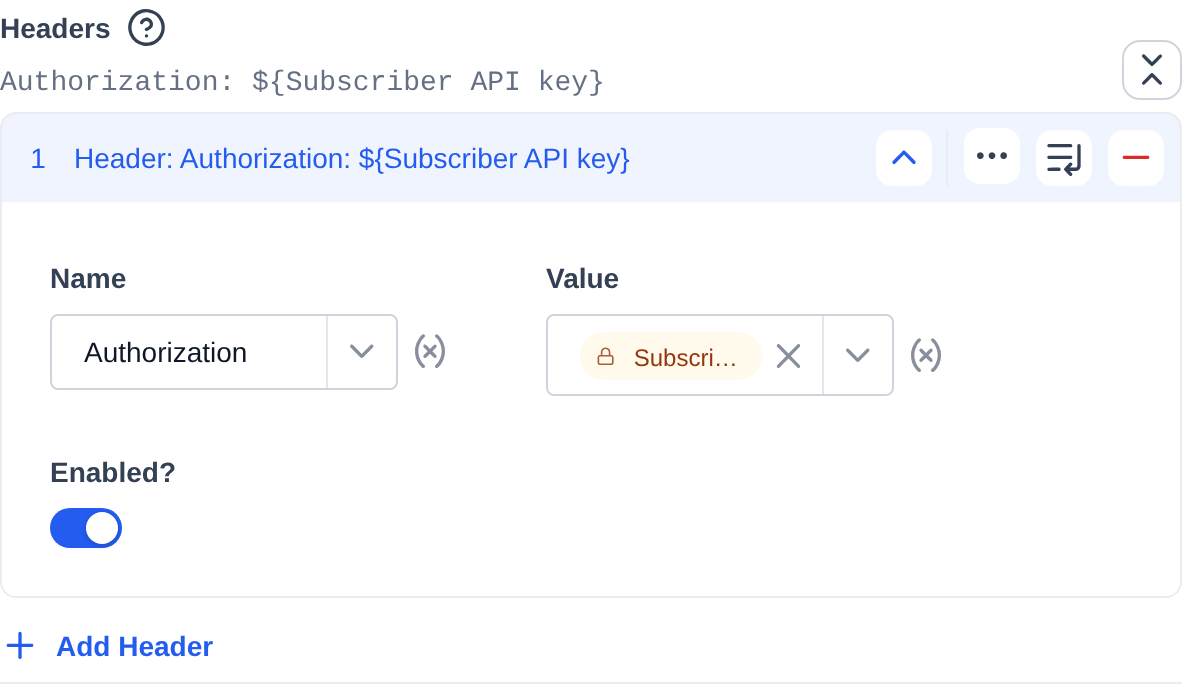
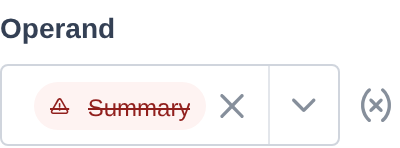
Type a literal value, insert a reference through either control, or mix the two, such as New draft: followed by the article's title. Inserted references appear as chips, each labelled with the value's name and where it comes from; a secret's chip carries a lock. At run time each one takes its current value just before the step runs.
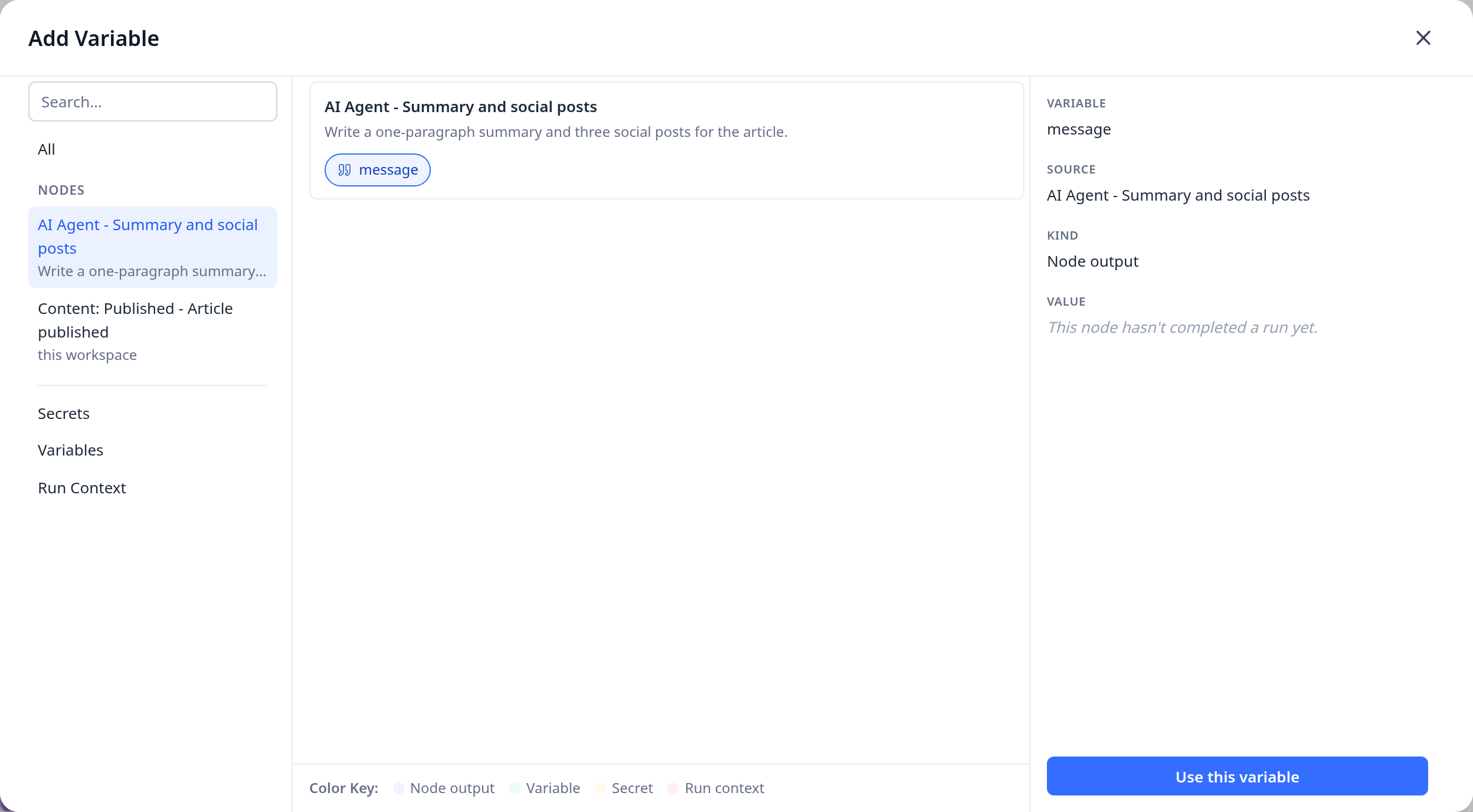
The picker offers:
| Section | What it holds |
|---|---|
| Earlier steps | The trigger's data and every earlier step's output, field by field, or whole, to pass on as one value. Only steps earlier on the same path are offered; inside a loop, the Loop node is the current item. |
| Variables | The named values defined on the Variables page or in this automation's settings. |
| Secrets | The named encrypted values. |
| Run context | What the run knows about itself: Now, the current date and time, read as each step begins, so a step after a long wait sees when it resumed; whether this is a dry run; the run's id, number and start time; and the automation's id and name. |
The picker's detail pane describes whatever you select before you insert it.
When a reference breaks
If the step or field a reference points to is deleted, or the step's output changes so the field is no longer there, the chip is marked stale: it stays in the field, and its tooltip says why it no longer resolves. Reconnect it to a valid value; until then it resolves to nothing at run time (an element of a list field, to empty text). A stale reference inside a mapping, a Loop's Source or Collect Results From, or any other setting nested in a step shows the same warning on the step's card and at the top of its form, with a "can't verify" note where it can't be checked, such as a field of a Script that declares no output type.
Defining variables and secrets
Open the Variables page to manage reusable values. It has two lists, Variables and Secrets, each with its own create action; selecting an entry opens its form, which asks for a Name and a Value.
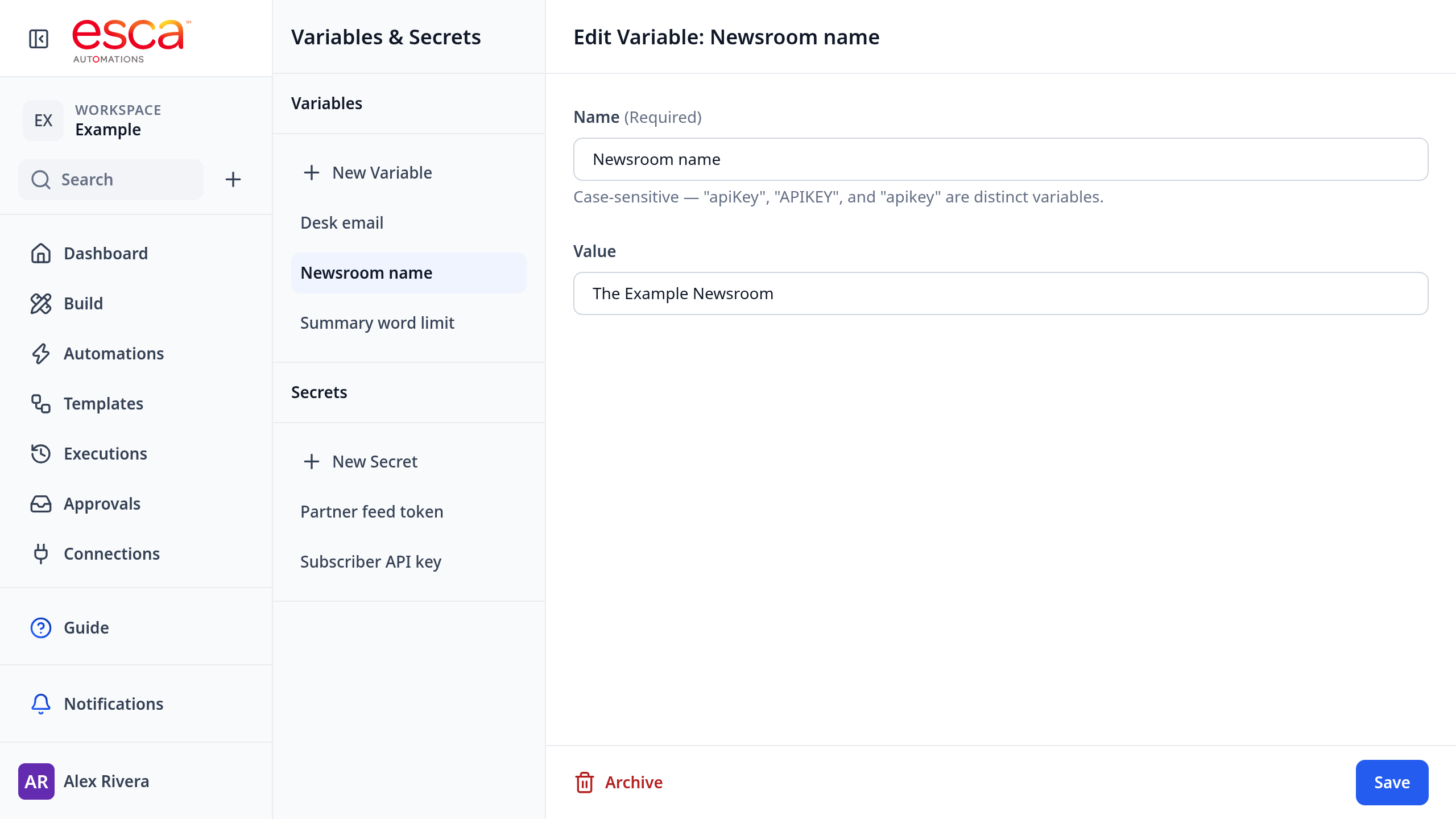
- A variable holds plain text.
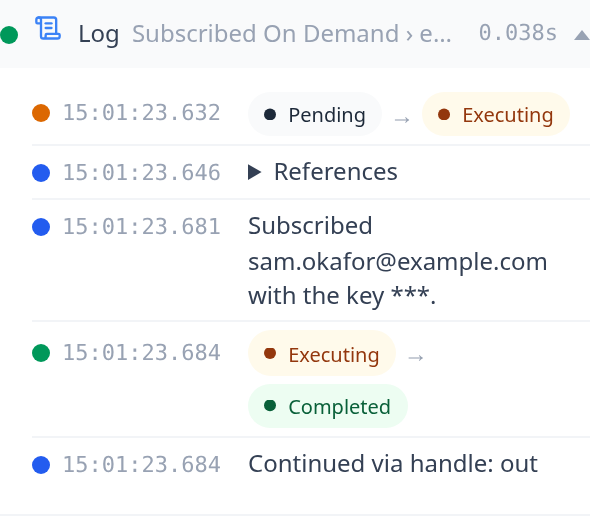
- A secret holds an encrypted value, hidden wherever a run would show it. A secret's value must be at least four characters, since a shorter value can't be reliably recognized and hidden.
Names are case-sensitive: apiKey, APIKEY and apikey are three different variables.
Store credentials and other sensitive data as secrets, never as plain variables. Only a secret's value is encrypted and kept out of run logs.
Scope and precedence
Variables and secrets defined on the Variables page are available to every automation. An automation can also define variables and secrets of its own, in its settings pane in the editor, which only it can use; that is the place for a value that means something only in that flow. When a workspace value and an automation's value share a name, the automation's wins, so one automation can override a shared value without affecting the others.