Actions
An action is a step that does work. Where a trigger decides that a run should happen and a condition decides where it goes next, an action calls a service, changes content, writes a file, or tells somebody something. Most of an automation is actions.
Add one by hovering over an edge, clicking + and selecting Action, then choosing a type. The panel lists General Actions, which work without connecting anything, and Integration Actions, which each connected system adds.
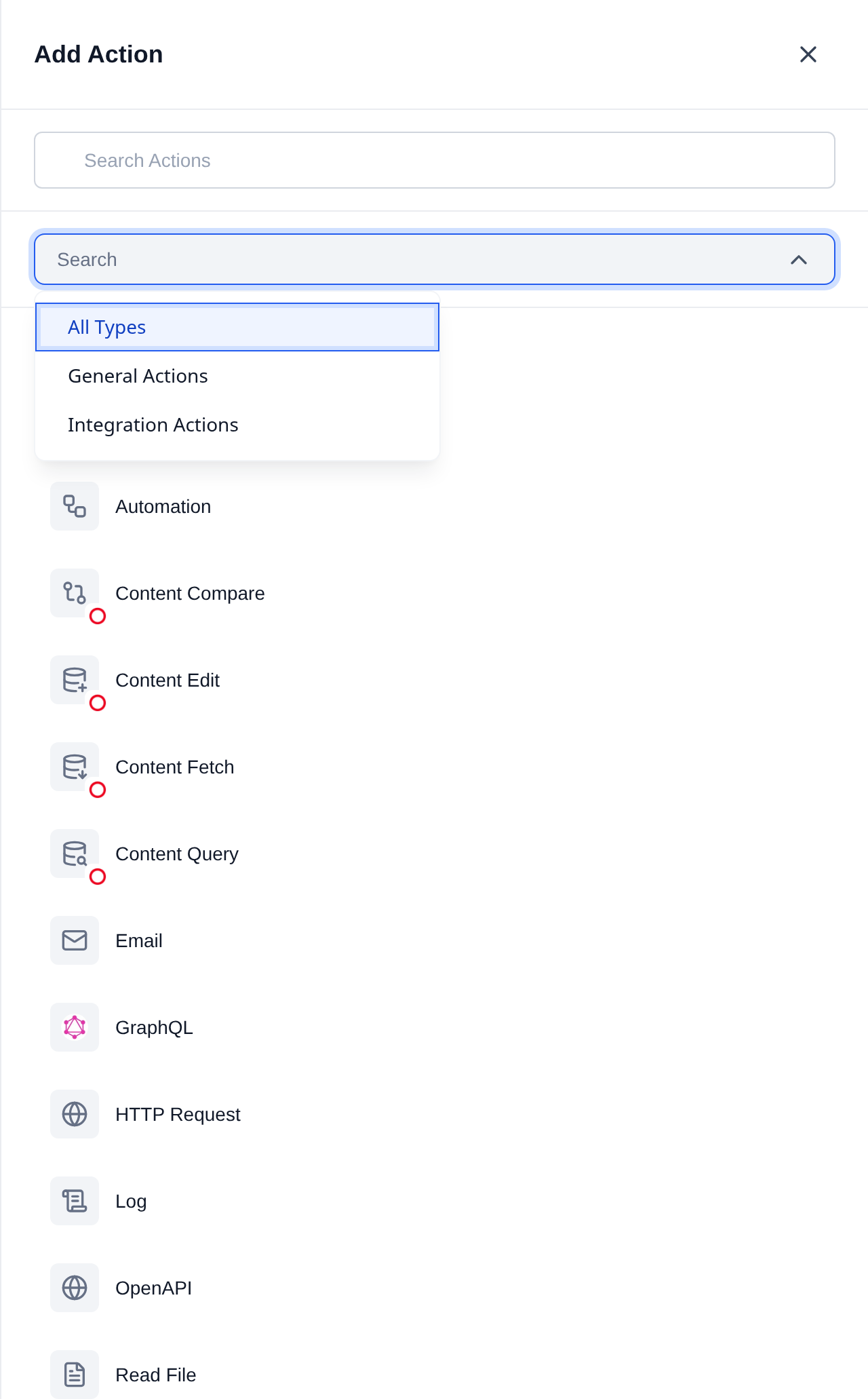
Every action type does something different, but they all behave the same way in the flow: they take input, they produce output, and they either succeed or fail.
Input
An action gets its input from two places.
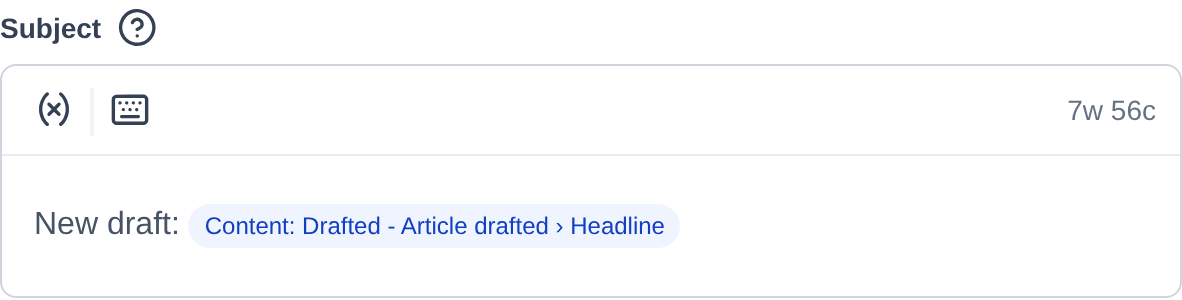
Its own fields are the form you fill in: a recipient, a message, a target, an operation. Most text fields also accept a variable, so the value doesn't have to be fixed. A subject line can read New draft: followed by the title of the article that started the run, inserted as a chip; the field takes its final value just before the step runs.
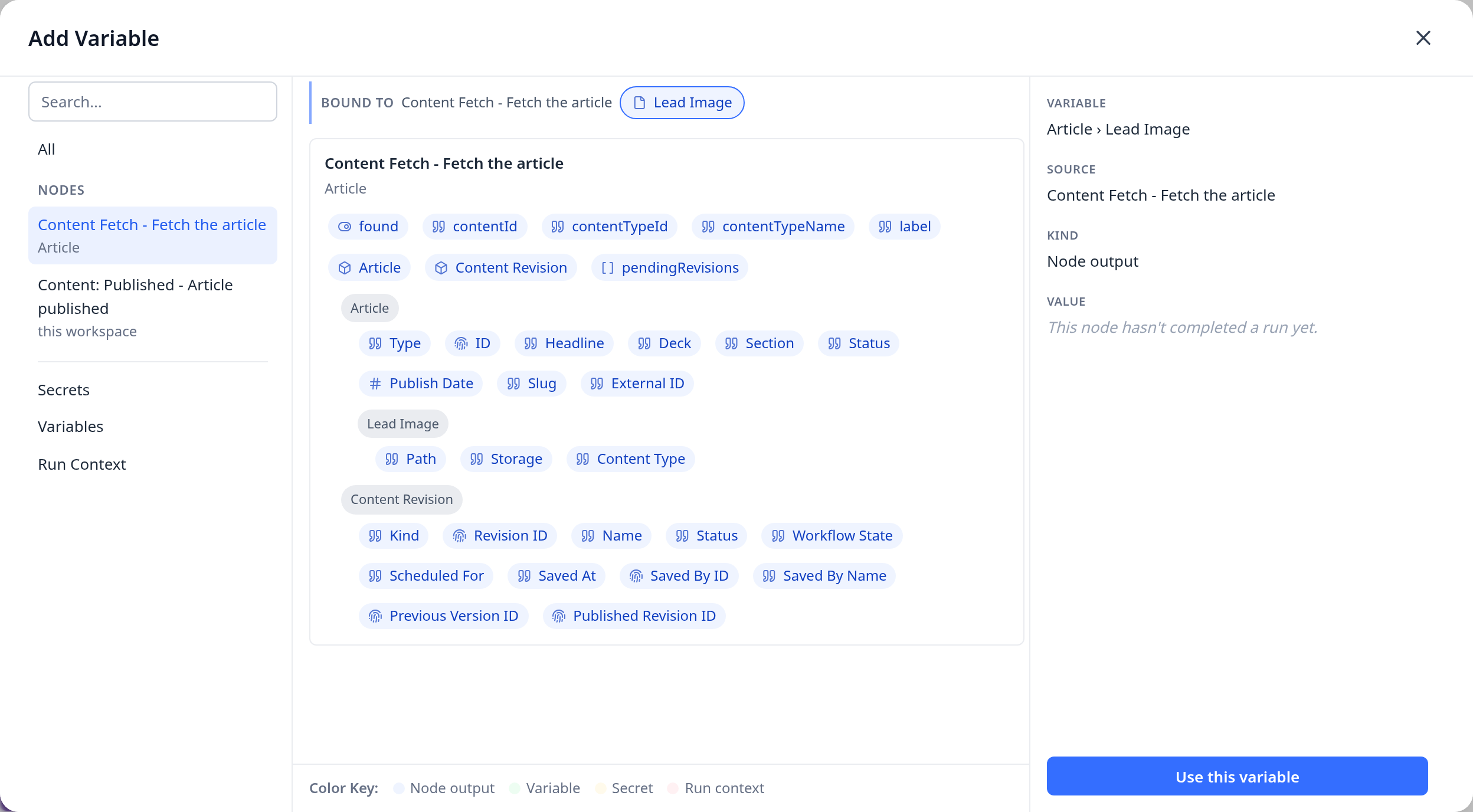
Input mappings, on the step's Input tab, are for data a step has no field for. Most often that is a Script step, which works on whatever you map into it, but any step can take a named value from an earlier step, a variable or a secret this way. A mapping can also change the value on its way in, to pick a field out of it, turn a code into a label or supply a default; see Mappings.
A step can use only values from steps earlier on the same path. A step on one side of a condition can't read a step on the other side, because in any one run only one side ran.
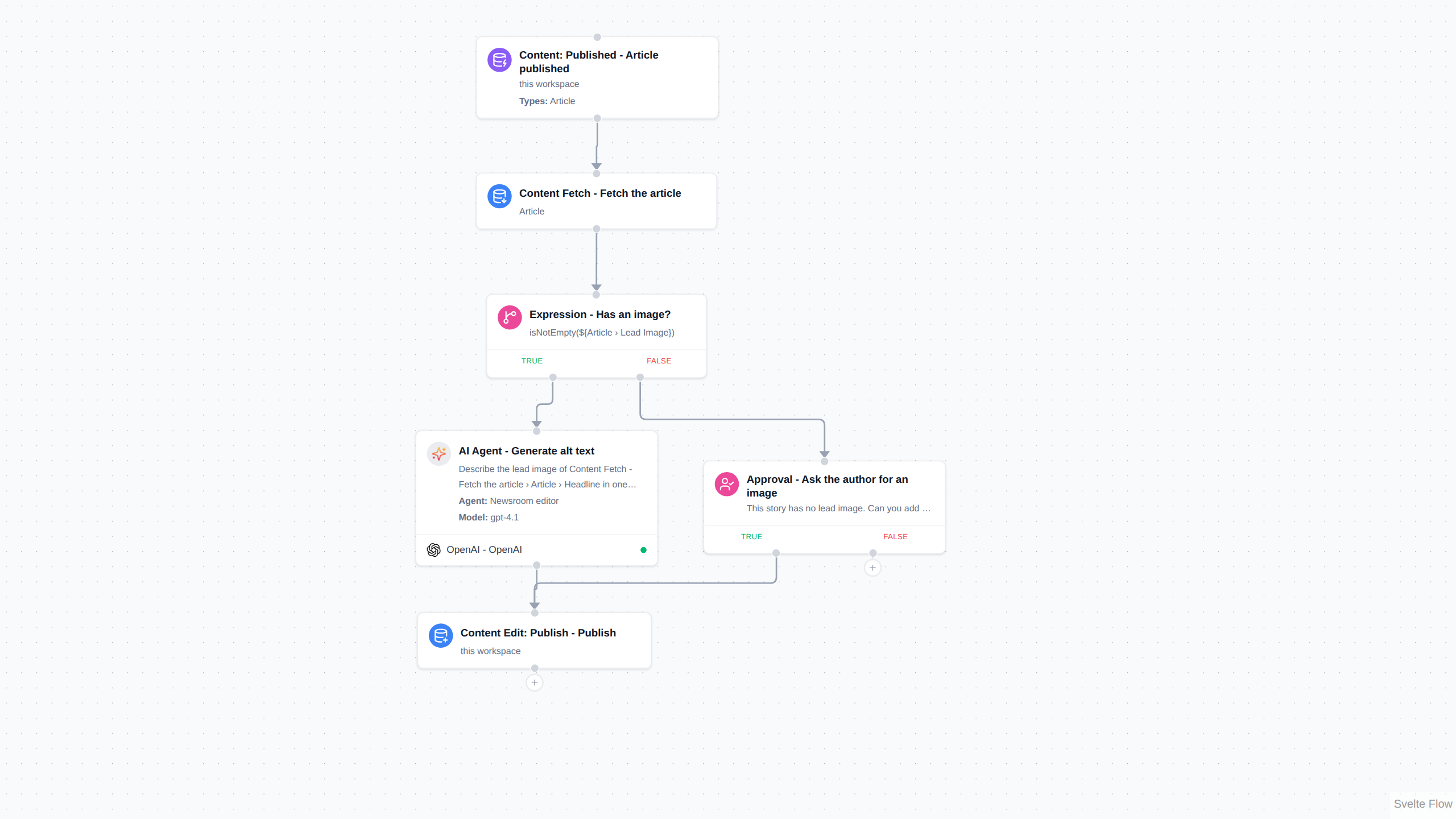
Here the Publish step can read the trigger and the fetched article, but not Generate alt text or Ask the author, since either may have been skipped.
Output
When an action completes, it produces an output that later steps can read: the response from a request, the id of the content it created, the people a message reached.
Most actions declare the shape of their output in advance, which is why the variable picker can list an earlier step's fields before the automation has ever run. Some outputs have no fields to list, such as a plain list, a single value or a script result whose shape you didn't declare, and those are offered whole, to pass on to the next step as one value.
Output mappings, on the step's Output tab, pull extra values out of what a step produced and give them names of their own. Use one to lift a value buried deep inside a large response up to a short name, so later fields reference summary instead of the same long path.
To reach data a step can't describe in advance, such as the fields of an HTTP response, use a mapping with a Path Extraction source.
Failure, retry, and the error path
By default, an action that fails ends the run. Nothing after it runs, and the run is recorded as Errored.
Retry handles failures that aren't really failures: a service that was briefly unavailable, a request that timed out once. The HTTP Request step's Resilience setting, on its Advanced tab, retries with a growing delay between attempts, gives up on an attempt that runs too long, and stops calling an address that keeps failing; left empty, one failure is final. Steps that call a connected system, such as Slack or Jira, retry a brief failure a few times on their own. Every attempt is recorded, so a step's history shows what it went through, not only how it ended.
An error path is a second output on the node, turned on from the node's actions menu. With it in place, a failure that retry didn't cure goes down the error branch instead of ending the run, so you can tell someone, record what happened, or try another approach. The success branch is skipped, exactly as an untaken condition branch is. See Connecting and branching for wiring one on the canvas, and Logs and output for reading a failure afterwards.
When a mapping fails
A transform that fails in one of a step's mappings, such as a script that throws, fails the step too. A failed input mapping fails it before it runs, so it never acts on a value the mapping didn't produce; a failed output mapping fails it once its work is done. Neither is retried, since a transform given the same value fails the same way. The failure takes the error path if there is one, and the mapping's trace on the step's Input or Output tab shows which transform failed and why.
Dry runs
A published automation runs live: steps act on their real targets. A draft or revision runs as a dry run: every step runs, but a change is logged rather than made, or sent to a test target instead. What that means for each kind of step is on Publishing and run modes.
The action catalog
For what each action does and the fields it takes, see Actions in the built-in node catalog and Integrations for the actions each connected system adds.