Custom OAuth
The connection for any service that uses OAuth 2.0, the "Sign in with…" style of authorization many web services use. Reach for it when an HTTP Request action needs to call a service that has no connection type of its own, so the sign-in is held, refreshed and reused here instead of a token being pasted into a header on every step.
Most providers need only a Discovery URL: the provider's issuer address, such as https://auth.example.com, or the address of the API you're connecting to. Discovery finds the OAuth settings the provider publishes under it, so paste the address itself rather than a /.well-known/ document's, and the rest of the form fills itself in.
To connect to a provider:
- On the Connections page, create a Custom OAuth connection and give it a name.
- Paste the provider's Discovery URL and save. The endpoints and settings discovery found appear as placeholders in the fields below it.
- Click Connect. You are sent to the provider to sign in and grant access, then returned with the connection active.
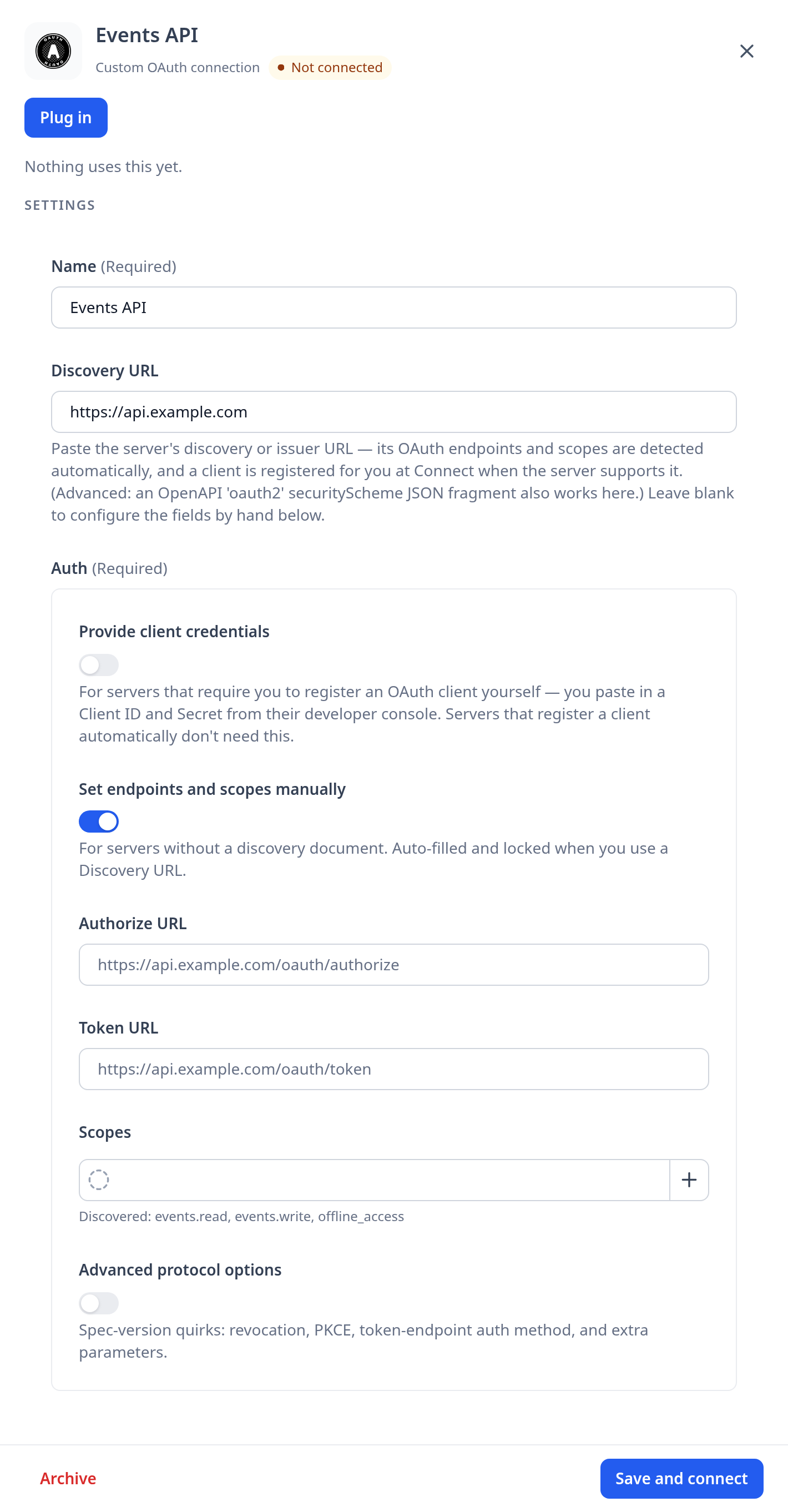
The rest of the form
The form has more than most providers need, and keeps it out of sight until you ask for it: each section appears once the one above it is open, and a section holding data stays open. The client credentials the provider issued you, the endpoints and scopes discovery found, which you can type over where you need to, and advanced options for providers with non-standard settings, which most don't need. The Custom OAuth connection reference describes every field, in the same words its Guide icon shows in the tool.
A client registered for you at Connect is shown on the Advanced tab as the Registered Client ID. If the provider stops recognizing it, see Troubleshooting on the Connections page.
How discovery works
Discovery runs on save, and only when the Discovery URL differs from the one it last ran on, so edits you make to the endpoints by hand survive later saves. Paste a different URL to run discovery again. A discovery URL that can't be reached, or that returns something unusable, reports the failure on the field rather than saving a half-configured connection.