Jira connection
The saved link to a Jira site. In the connection picker it is Jira.
Powers these nodes
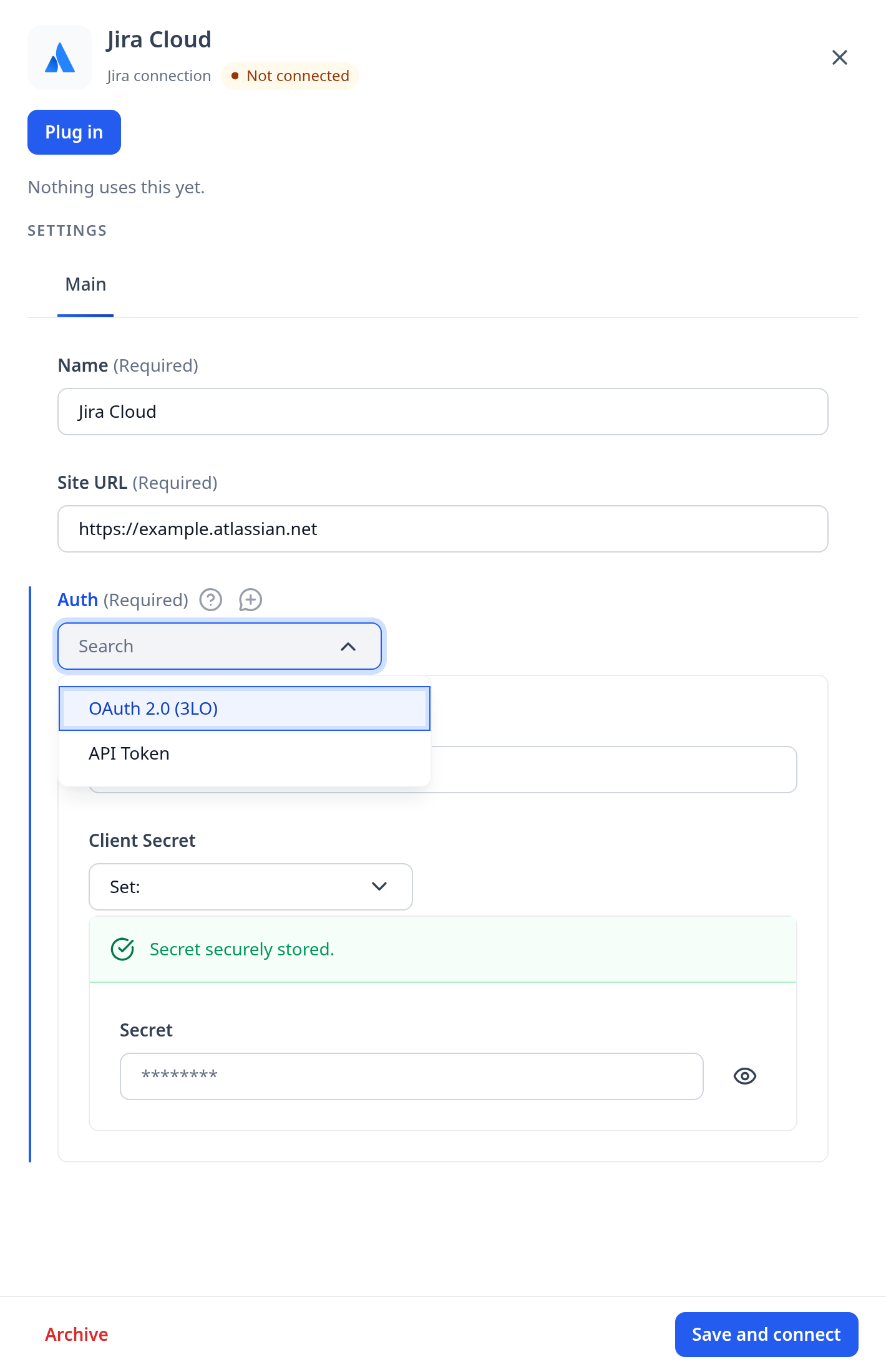
Authenticating
Choose OAuth 2.0 if you will use Jira triggers: Atlassian lets only OAuth apps register webhooks, so an API token connection needs an administrator to set each trigger's webhook up by hand. Choose an API Token for actions alone, or when no OAuth app can be registered. The Jira connection reference describes each field, in the same words its Guide icon shows in the tool.
- OAuth 2.0 app
- API token
An administrator registers the OAuth app with Atlassian and hands you its client id and secret. Enter them, save, then click Connect to authorize the app. Once connected, a Registered Webhooks tab lists what the app has registered for this connection, with a delete action per row for cleaning up any that outlived their trigger.
Enter the account's email address and an API token, and save; there is no Connect button. Prefer a service account over a personal one for anything running in production, so the connection does not break when a person's access changes.
The connection's authentication method and site URL cannot be changed while OAuth is connected, or while registered webhooks exist.